Step 1: Login for the first time
Always first download the documents and this is a short summery:
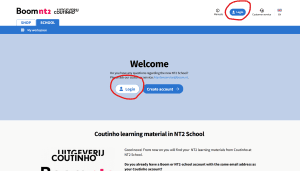
Go to this website: NT2 School
Login using the same email address we already have on file for you. Your password is sent to you.
Step 2: Select your course material
That’s already done for you and if everything went well, you will see your first digital textbook appear on the left. At the bottom, you will see that you have been added to a class and that your teacher is Hinke Wijngaard.
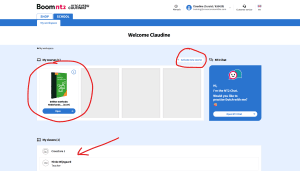
You can now start by clicking on: Open
Step 3: Start the first lesson
As soon as you have clicked on Open, you will see an overview. Your teacher will explain all of this thoroughly.
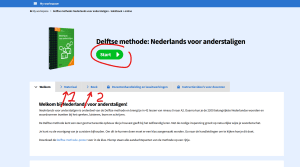
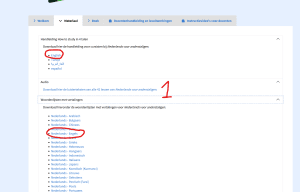
Click on 1
Here you will find more information. You can download the manual, download the listening texts for the 42 lessons, and download a vocabulary list.
Click on 2 and click on read online
Here you can read the digital book, but it is in Dutch. You need this for the online lessons, and your teacher will explain it further.
Click on Start
If you click on Start, you will go to all the lessons.
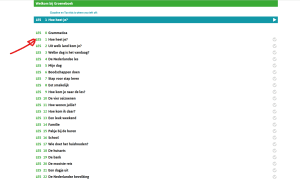
For example, if you click on Lesson 1, you will see the following:
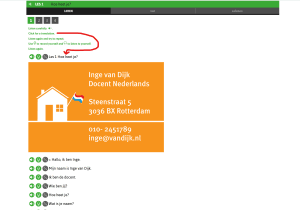
Read the explanation carefully. You can click on a listening button, and if you click on a word in the exercises, you will see the translation. Your teacher will explain everything.
As soon as you understand it a little bit, you can also do exercises. Click on Practice here, and then you will see various sentences where you can fill in the words you need to practice. If you get it right, the word turns green. If it is wrong, it turns red.
It is very important that you pay close attention during the teacher’s first lessons to how you can learn, practice, and test yourself.
Good luck!